Remydo
Snap it, say it, sorted.
Photograph an exam timetable, upload a prescription, or just say “pay rent on the 1st”. Remydo reads it and sets every reminder for you, one-off or repeating.
For Android and iPhone. Your reminders are encrypted.

Watch Remy do the work
Real examples, played out just like in the app. Pick one, or let them play.
 What should I remember?Remy is reading...
- 1 Capture
- 2 Remy reads it
- 3 Check & save
From prescriptions to match day
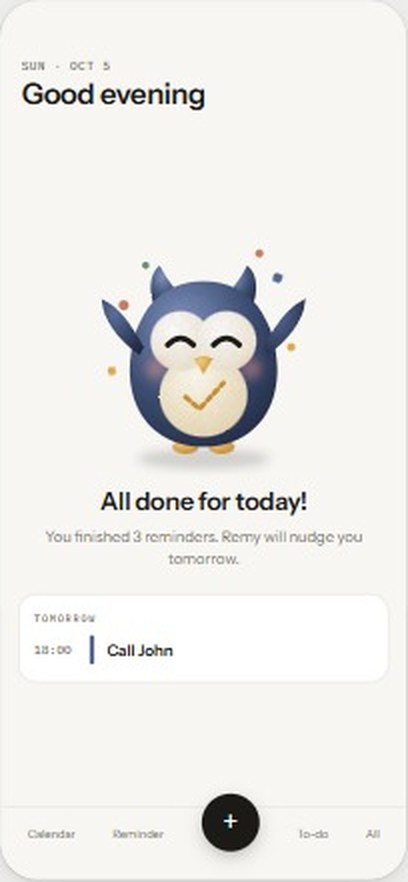
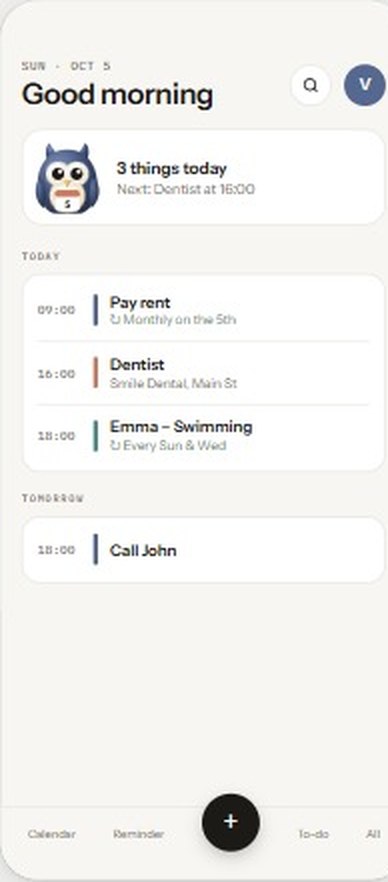
Each kind of reminder gets its own colour, so you can see what’s coming at a glance.
Repeats that keep going
Daily medicine, weekly classes, monthly rent and yearly birthdays. Set it up once.
A second heads-up
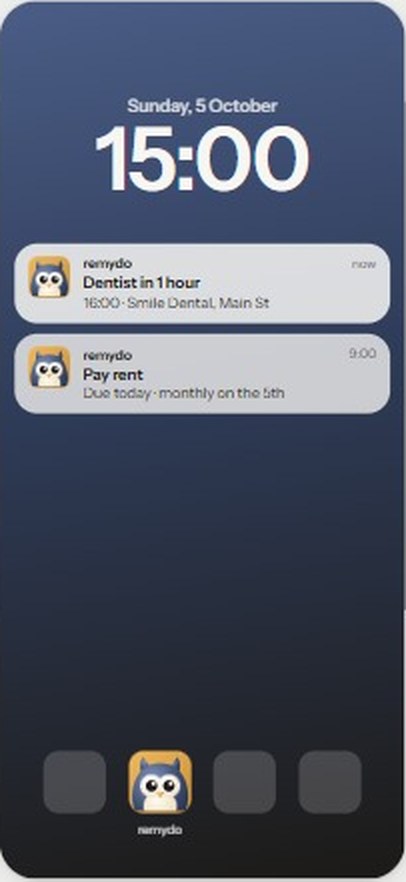
An optional extra notice before the important things.
Shared to-dos, live
Shopping and packing lists stay in sync for everyone, and changes show who made them.
Public holidays
See the holidays where you live next to your own plans, so nothing catches you off guard.
Many from one
A single timetable or fixtures list becomes every reminder in it. Review, then save them all at once.
Quick search
Find any reminder in a moment, without scrolling.
Your reminders are encrypted
What you save in Remydo is stored encrypted, sent over HTTPS only, and yours to delete. Delete your account and everything goes with it.
Every reminder and to-do
Titles, notes, places and checklists
Your personal details
Phone, work and social links
Photos, documents, voice notes
Everything you upload or capture
Questions, answered
Plain answers, no tech talk. Tap a question to open it.
Getting started
What is Remydo?
Remydo is a reminder app for your phone. You tell it what you need to remember, and it reminds you at the right time. Think of it as a helpful friend who never forgets a date.
Do I need a password?
No. You sign in with your email address. We send you a short code, you type it into the app, and you’re in. There’s no password to remember.
How do I add a reminder?
Tap the round (+) button at the bottom of the screen. Then do whichever is easiest:
- Type it: “Dentist on Tuesday at 4pm”.
- Say it: tap the microphone and speak normally.
- Take a photo of a letter, poster or school timetable.
- Upload a screenshot or a PDF, like a booking email.
Remydo shows you what it found. Nothing is saved until you check it and tap save, so you can fix anything first.
Can one photo make several reminders?
Yes. Take a photo of an exam timetable or a list of match dates, and Remydo makes a reminder for each date it finds (up to 10 at a time). You can check them all and save them together.
Is Remydo free?
Yes, it’s free to start. For now, Remydo can read up to 15 photos, voice notes, files or typed sentences for you each day. Everything you’ve already saved keeps working as normal.
Which phones does it work on?
Android phones and iPhones.
Reminders and lists
Can a reminder repeat, like rent every month?
Yes. Reminders can repeat every day, every week on the days you choose, every month or every year. That’s handy for medicine, school classes, rent and birthdays. You set it up once and it keeps going.
Can I get reminded twice?
Yes. Besides the main reminder, you can choose an extra one: on the morning of the day, 3 hours before, or 1 hour before. You can turn it on or off for each reminder, and choose your usual setting in Profile.
Can I share a shopping list with my family?
Yes. Share a to-do list and everyone you share it with sees the same list. When someone ticks something off, the others see it too, along with who did it.
My reminder didn’t ring. What should I do?
First, check that notifications are switched on for Remydo in your phone’s settings. Some phones also pause apps to save battery, so it helps to let Remydo run freely in the battery settings. If it still happens, please tell us from the app (see “How do I contact you?” below).
Privacy and safety
Is my information safe?
Yes, we take it seriously. What you save in Remydo is encrypted. That means it’s scrambled into unreadable code before it’s stored. If someone ever got hold of our stored files, they would see only a jumble of letters and numbers, not your reminders.
What kind of encryption do you use?
We use AES, a worldwide standard that banks and governments also rely on. Each piece of stored information also has a built-in tamper check, so it can’t be secretly changed. Whenever the app talks to our server, it uses HTTPS, the same secure connection shown by the padlock in your web browser.
What exactly is encrypted?
- Your reminders and to-dos: titles, notes, places and checklist items.
- Your profile details: phone number, company, job title and social links.
- Every photo, PDF and voice note you add, and your profile picture.
Your name and email address are kept readable so we can sign you in and show your name on lists you share.
Are my photos and documents kept safe too?
Yes. Photos, PDFs and voice notes are encrypted when they’re stored, just like your reminders. Photos are also made smaller before they’re sent, and the hidden location information that phones add to photos is removed.
Who reads my photos and voice notes?
To find the dates and details, Remydo sends your photo, file, voice note or typed sentence to an AI service (Google’s Gemini) over a secure connection. The AI reads it and sends back what it found. Please don’t add things you’d never want shared, like bank cards or passwords.
Your account and help
How do I contact you?
In the app, open Profile, then tap Report a problem or send feedback. Choose what it’s about, write a few words, and send. Your message comes straight to the Remydo team. To help us fix problems faster, it also includes some basic details about your phone and the app.
How do I delete my account?
Open Profile, tap Edit profile, and scroll to the bottom. Tap Delete account. The app asks you twice to be sure, because it can’t be undone.
What happens when I delete my account?
Everything is removed for good, straight away:
- All your reminders and to-dos.
- Your photos, files, voice notes and profile picture.
- Your profile details and any messages you sent us.
Lists you shared with others disappear for them too. Lists that others shared with you stay with them. We keep only a simple note that an account existed and when it was closed, without your name, email or any of your reminders. Our day-to-day technical records are deleted automatically after 30 days.
Can I get my account back after deleting it?
No. Once deleted, it’s gone, and we can’t bring it back. You’re welcome to sign up again with the same email, but you’ll start fresh with an empty app.
Let Remy remember it for you
Remydo is coming to Google Play and the App Store.
Free to start.